
Ship’s log, Stardate 1805.26
Arch Linux installation completed successfully. Plasma was there, beautiful, gleaming, with its Wayland effects running like a magazine ad. A moment of genuine pride for anyone who has ever tried to install Arch Linux following its standard installation guide and knows what it feels like to stare at a black screen where a desktop should be.
Excitedly, I opened the menu. I just wanted a terminal. Run a basic update, feel like I was in control. Simple stuff. Routine.
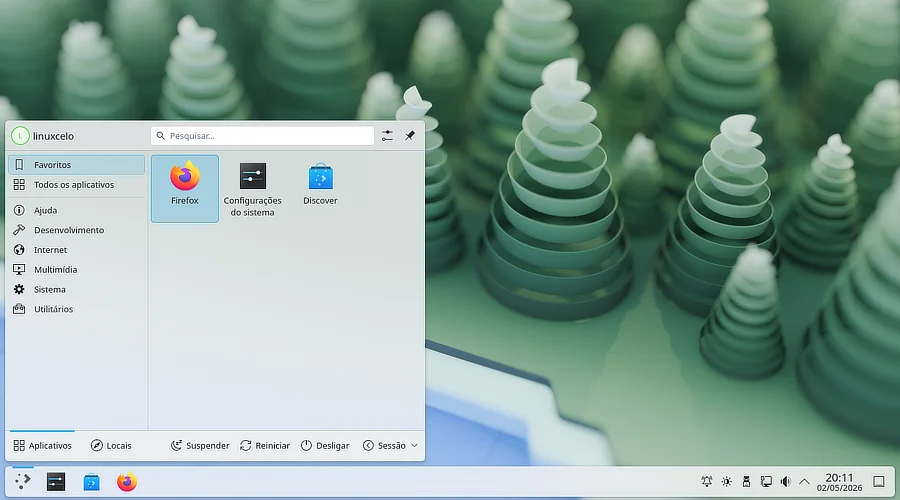
Where’s the terminal that should be here?
Konsole wasn’t there… Oops!
The disaster inventory
I went to explore what the installer had generously left me. Plasma was present in all its visual glory. The taskbar, the widgets, the system settings — everything impeccable. Wayland running without a hiccup.
But Konsole — KDE’s default terminal — was not installed. Dolphin — the file manager — wasn’t either. Basically any application that would make that desktop useful for anything beyond aesthetic contemplation had been left out.
I had a sports car with no steering wheel.
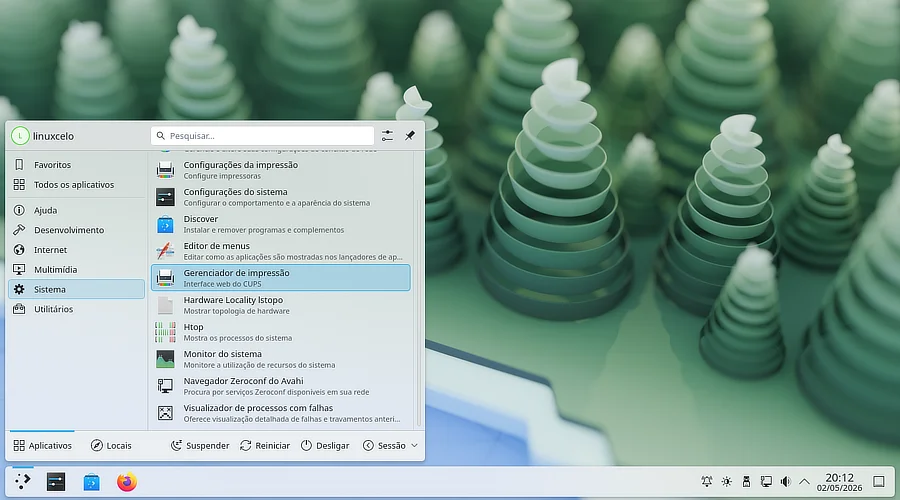
Where did all my packages go?
I went to the menu looking for anything that resembled a way out. A run dialog. A file browser hidden in some submenu. Anything.
Nothing.
In old reliable Slackware, this doesn’t happen.
There, xterm is present from the very first boot. Ugly, gray, with a 1994 bitmap font, no antialiasing, no personality — but present. Slackware doesn’t ask if you want a terminal. It just puts one there and walks away. Arch gave me a Plasma with window blur effects and no terminal.
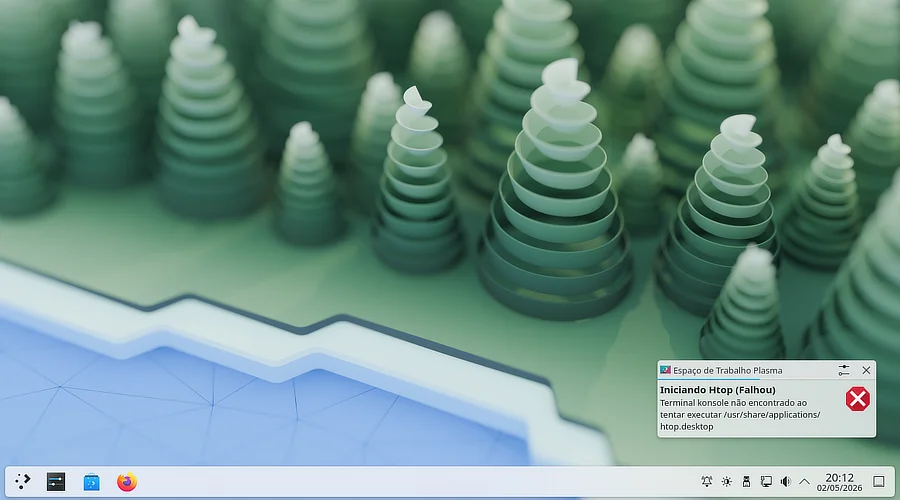
Even humble htop didn’t make it.
Noted in the red incident log.
Climbing out of the hole
After a few minutes staring at a beautiful and completely mute desktop, something deep in my muscle memory whispered a key combination.
Ctrl + Alt + F2.
Which didn’t work. I was met with a black screen with an X cursor in the middle, nothing else. Very much like the old X server refusing to start. Just one detail: this was running on Wayland, the shiny new gold standard of the Linux graphics server ecosystem. Not so gold, apparently. In a desperate move, I threw a Ctrl + Alt + F3.
That’s when the magic worked. The screen went black with white letters. No graphics, no effects, no window blur. Like 1985. And there, finally, a login prompt appeared. Something I could type into. The wired network was already working thanks to Saint Patrick, sudo was configured, and the system started updating while I breathed a sigh of relief at a terminal that felt like it had time-traveled.
sudo pacman -Syu
Rebuilding what should have come included
With the system updated, it was time to install what had been left behind. A quick search pointed to the kde-applications-meta group, which bundles the complete set of KDE applications:
sudo pacman -S kde-applications-meta
Pacman did its job. So many packages dropping into the system at once that you can’t even keep count. Mandatory hydration break.
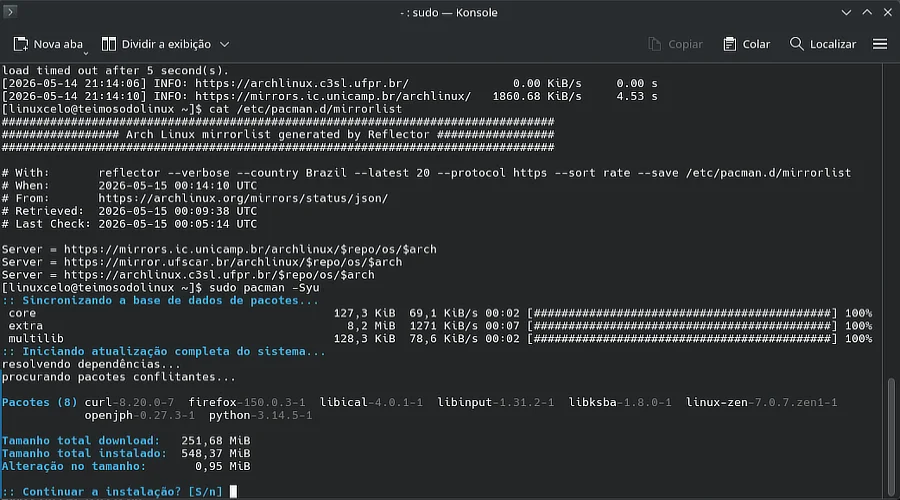
Pacman being greedy with updates.
After a long download period courtesy of my slow internet, and somehow managing to return to the graphical login, Dolphin finally appeared. Konsole appeared. The feeling was relief. A small, technically irrelevant victory in the eyes of experts, but rewarding for a first few steps.
One last detail: the invisible firewall
The installer had installed and configured a firewall, UFW, but without its graphical interface. Technically protected. Practically manageable only by someone who memorizes arcane commands by heart, which is not exactly my case.
sudo pacman -S gufw
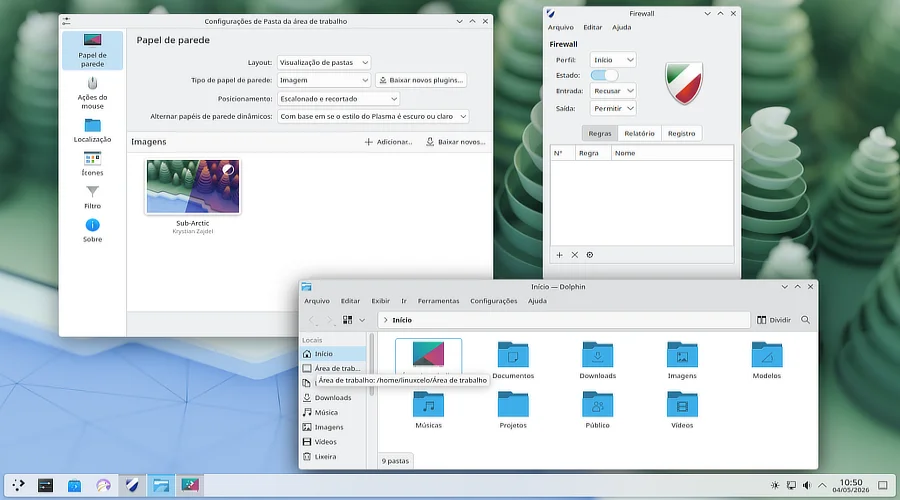
UFW and Dolphin, at last.
A simple little window appeared. The firewall was visible. Mission accomplished for today.
Mental note: get some cooler wallpapers to make Plasma look prettier.
The day’s balance
In the end, Plasma was up and running, updated, with its applications in place and the firewall visible. What looked like a nightmare was just an afternoon of work, a few moments of panic, and muscle memory that showed up right when it was needed without announcing itself.
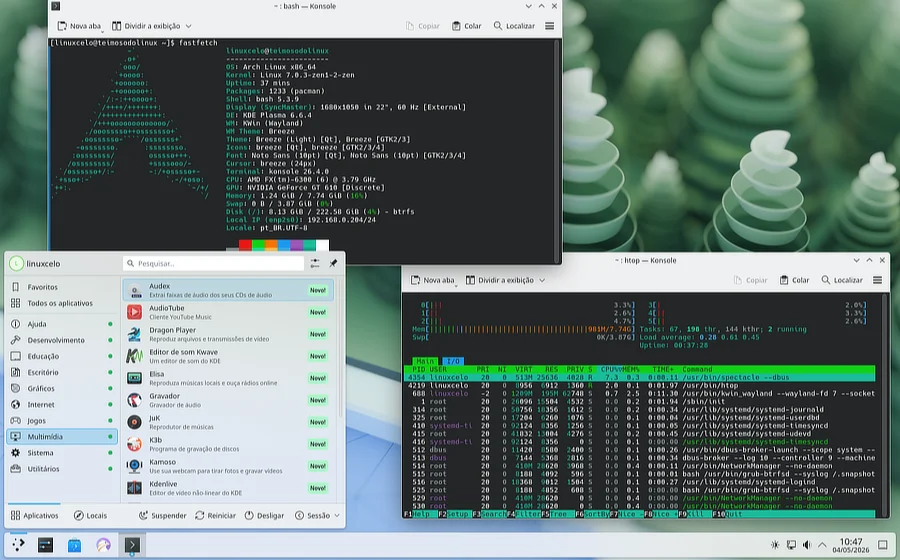
Now that’s a system.
But the episode goes on record. The system booted beautifully and I got stuck because there was no terminal. This happens. Perhaps I trusted the automatic Arch-Install script a little too much. It probably happens to a lot of people who will never say so because it seems too silly to admit.
Here, we tell it like it is.
And in old reliable Slackware, the ugly xterm would already be there waiting for me.
Next chapter: with the system finally livable, it’s time to face ComfyUI. How long does the FX-6300 take to generate an image? The answer is going to hurt.